HOLO MPC
HOLO·MPC
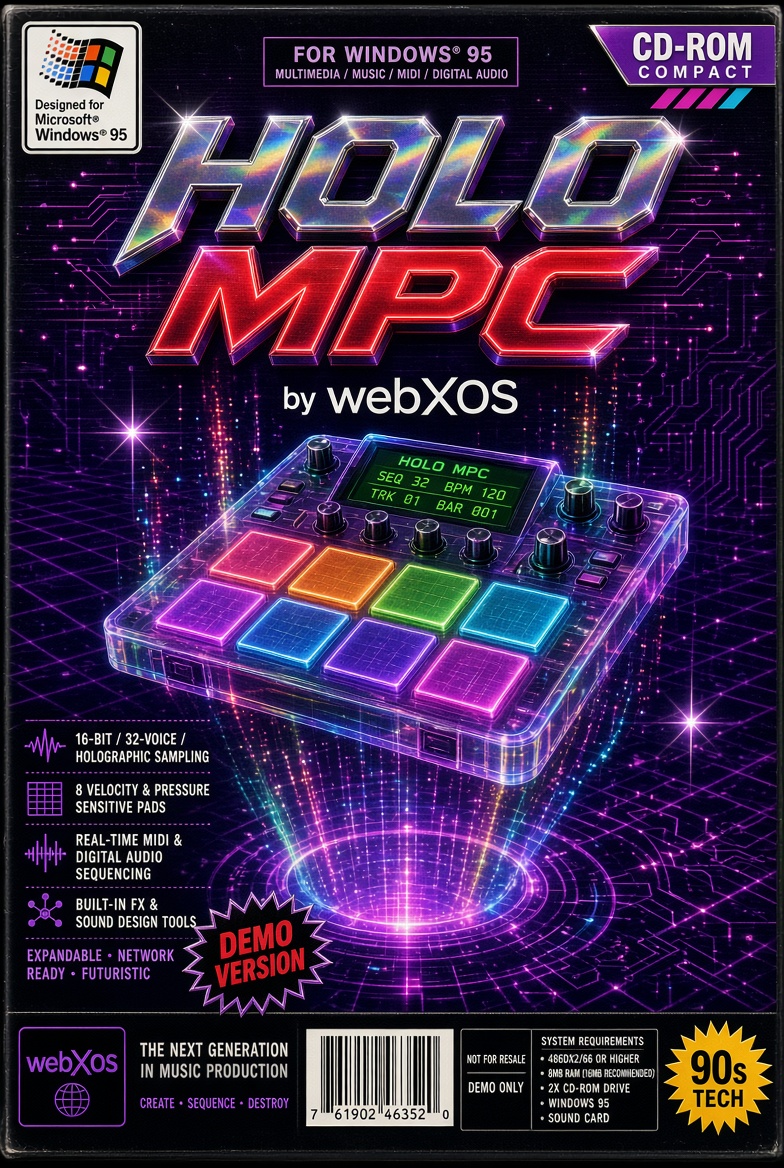
Tap the “▸ TAP TO INITIATE” button (or anywhere on the start overlay) to launch the procedural holographic sampler and enable audio. Once running, trigger the eight pads (Kick, Snare, Clap, Closed Hat, Open Hat, Rim, Tom, Bass) by clicking them or pressing Q W E R A S D F. Drag empty space to orbit the 3D device, or use the side buttons for fullscreen, a top-down camera view, and cycling through five color themes (Crimson, Cyan, Emerald, Amber, Violet). The on-screen LCD and HUD show system status, current bank, theme, and real-time pad activity.
Adjust the four knobs by dragging them up/down (hold Shift for finer control) or by hovering and scrolling the mouse wheel: Volume sets master level, Reverb adds space and delay, Hi-Cut applies a low-pass filter, and Bank selects among the five procedural sound banks (808 Hip-Hop, Electro House, Acoustic Kit, Techno, Trap). You can also jump banks instantly with the number keys 1–5. Pads light up, emit particles, and update the holographic displays on every hit, while the auto-rotating camera and ambient lighting keep the scene feeling alive.
Leave a comment
Log in with itch.io to leave a comment.