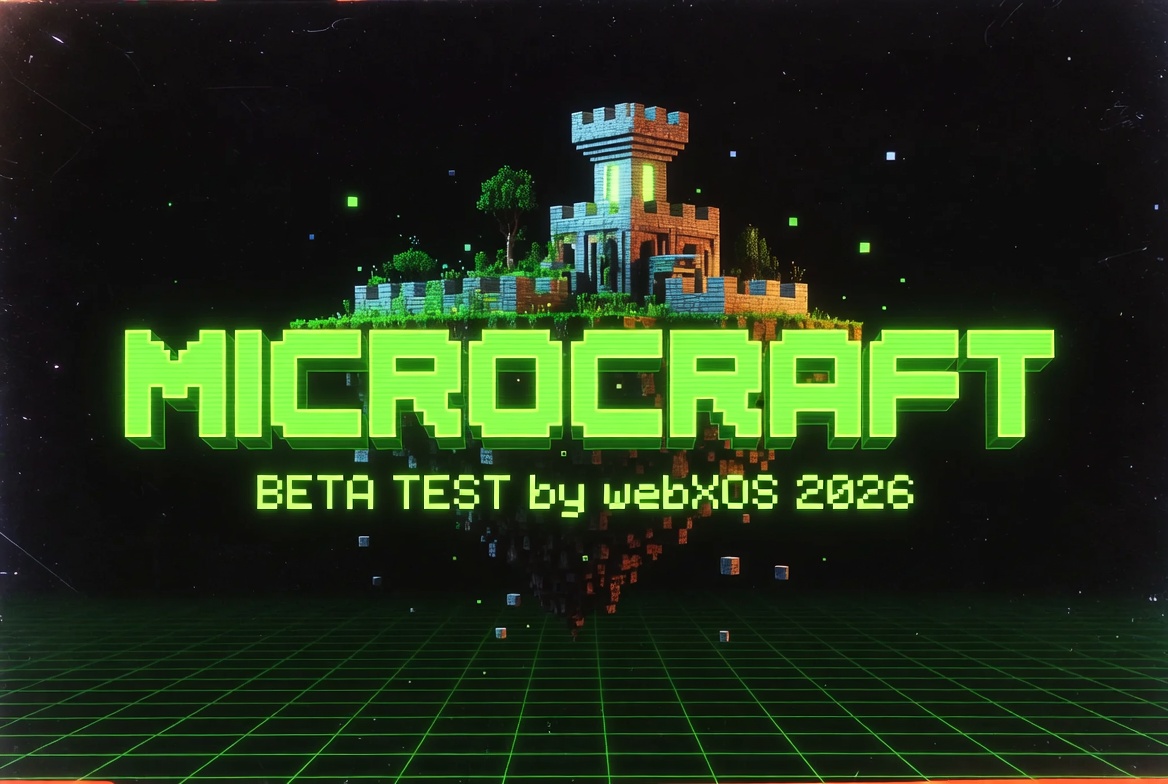
Microcraft
A lightweight browser-based voxel world builder focused on creative castle and structure building. Place blocks, construct buildings from templates, furnish interiors, fly with unlimited jetpack, and edit your creations in real time.
How to Play:
1. Click anywhere on the game window to lock the mouse and start playing.
2. Use WASD to move, mouse to look around.
3. Left click to place blocks or objects.
4. Right click to remove blocks or cancel previews.
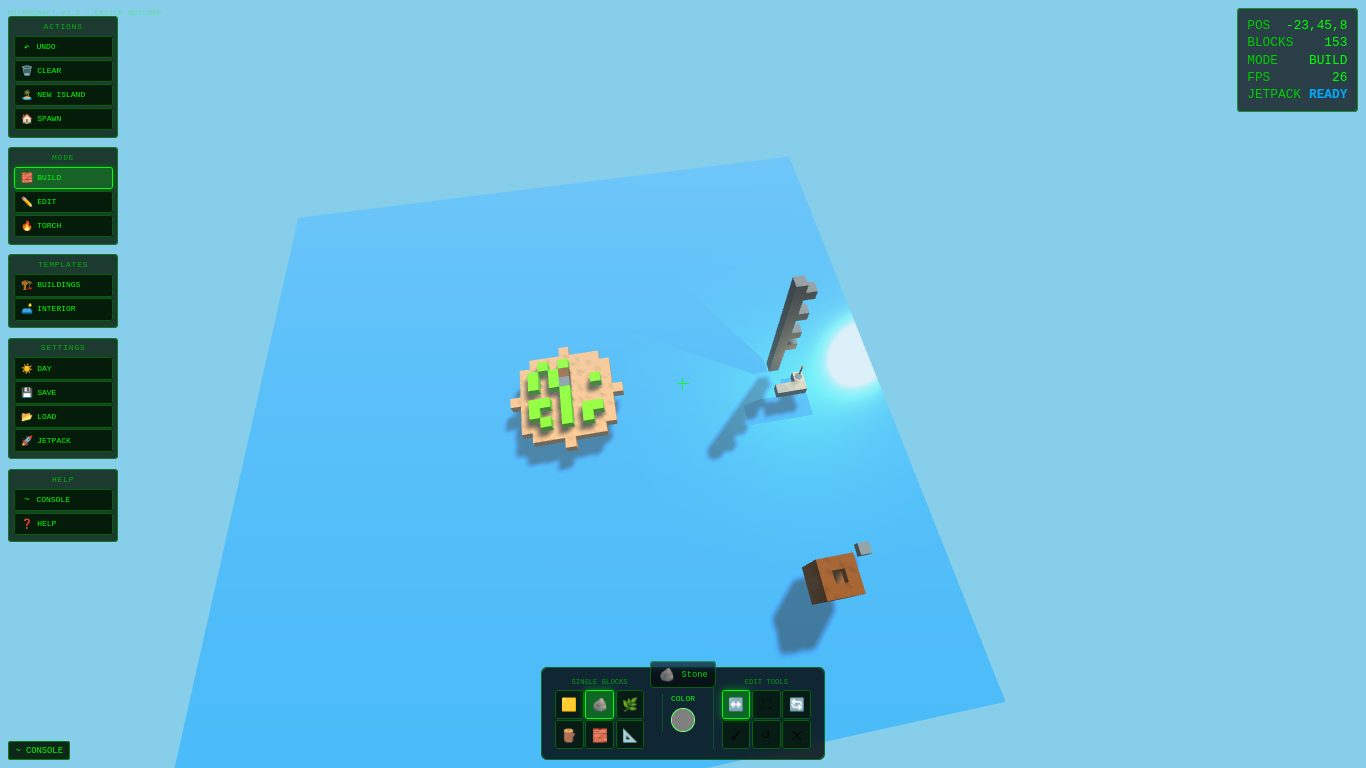
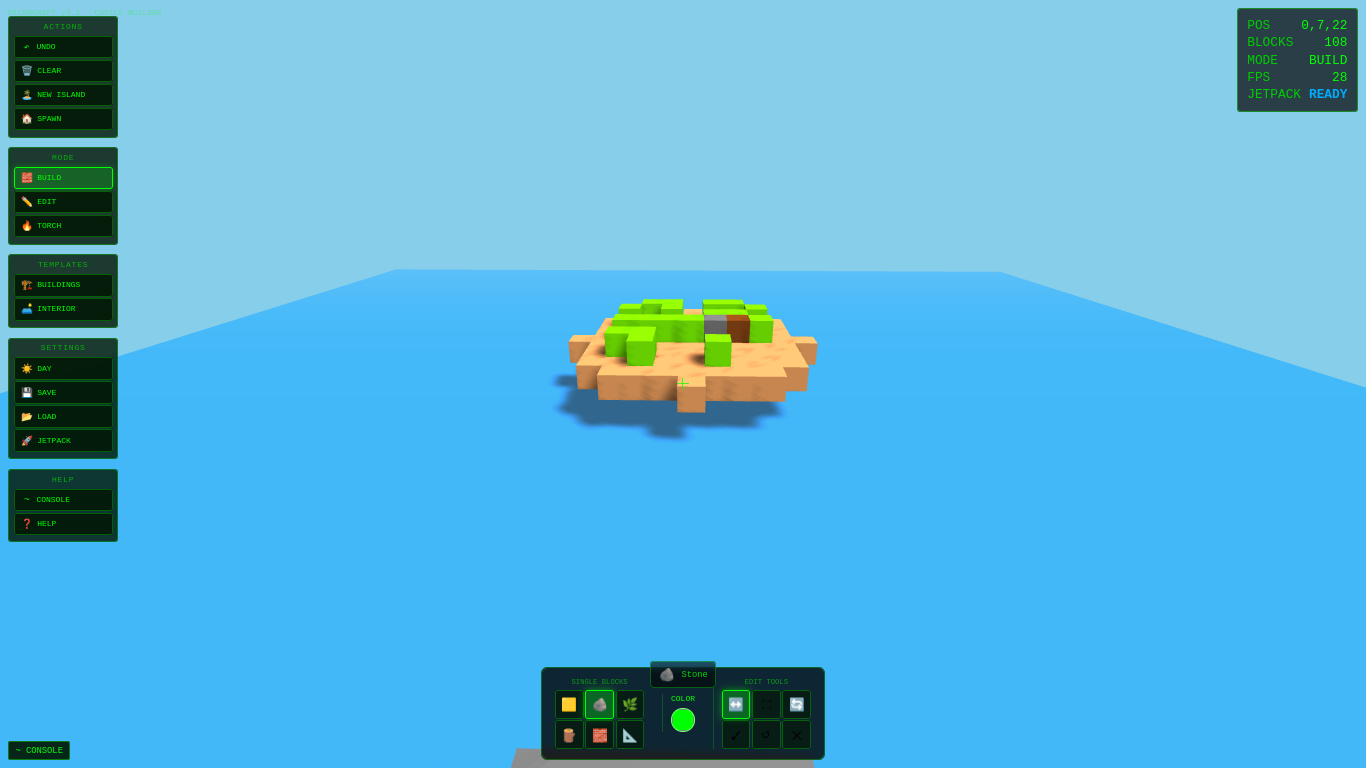
5. Build freely on the starting sand island or create a fresh one.
Controls:
Movement & Camera
- WASD - Move
- Mouse - Look around
- Space - Jump
- Shift (hold while in air) - Jetpack boost (unlimited height)
- Mouse Wheel - Cycle single block types (in build mode)
Core Actions
- Left Mouse Button (LMB) - Place block / Place previewed structure / Select object in edit mode
- Right Mouse Button (RMB) - Remove block or object / Cancel preview
- ESC - Release mouse / Cancel preview / Exit menus
Hotkeys
- 1-6 - Quick select single blocks (Sand, Stone, Grass, Wood, Brick, Wireframe)
- B - Open Buildings library
- I - Open Interior library
- E - Toggle Edit mode
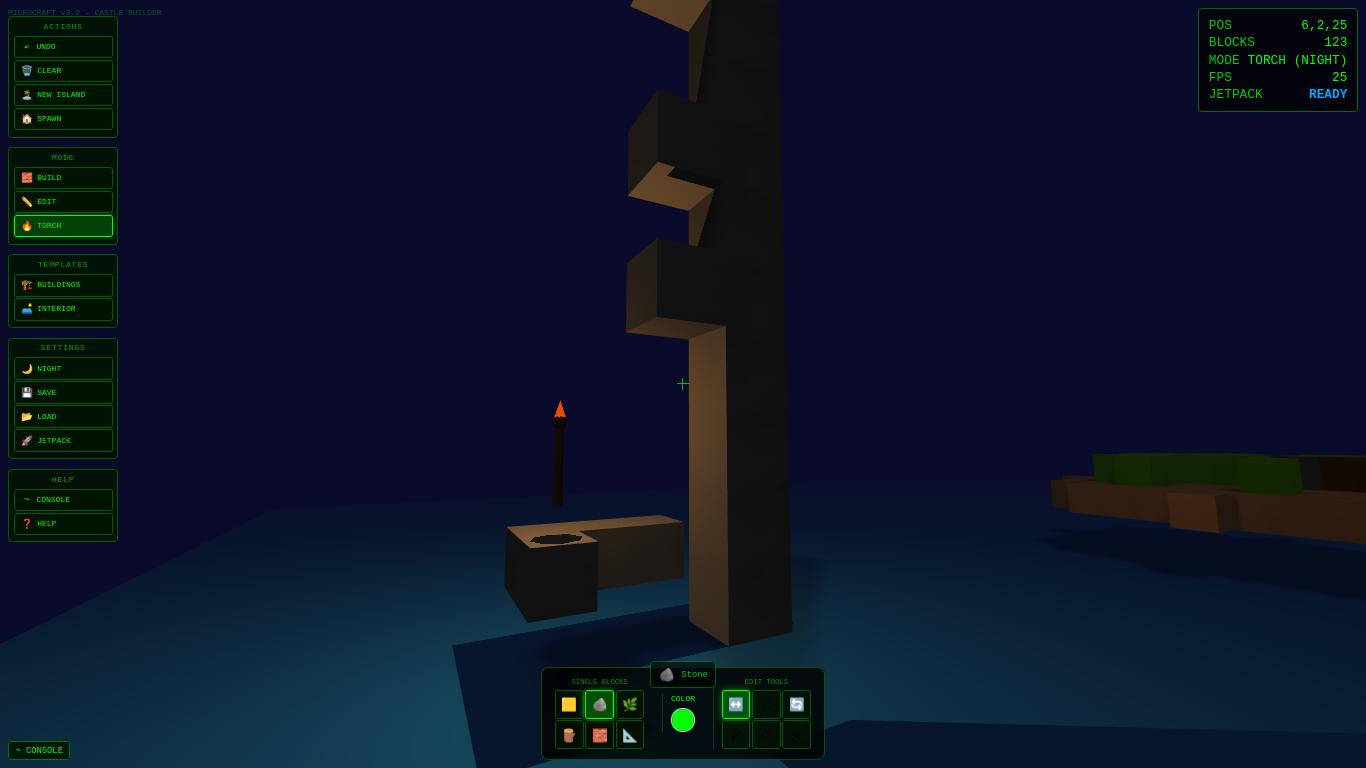
- T - Toggle Torch placement mode
- J - Toggle Jetpack on/off
- L - Toggle Day/Night lighting
- U - Undo last action
- ~ (Tilde) - Toggle Console
- Q - Cancel current ghost preview
- H - Show Help panel
Game Modes
Build Mode (default)
Place single blocks or preview and place large structures. Color picker only affects newly placed single blocks.
Edit Mode
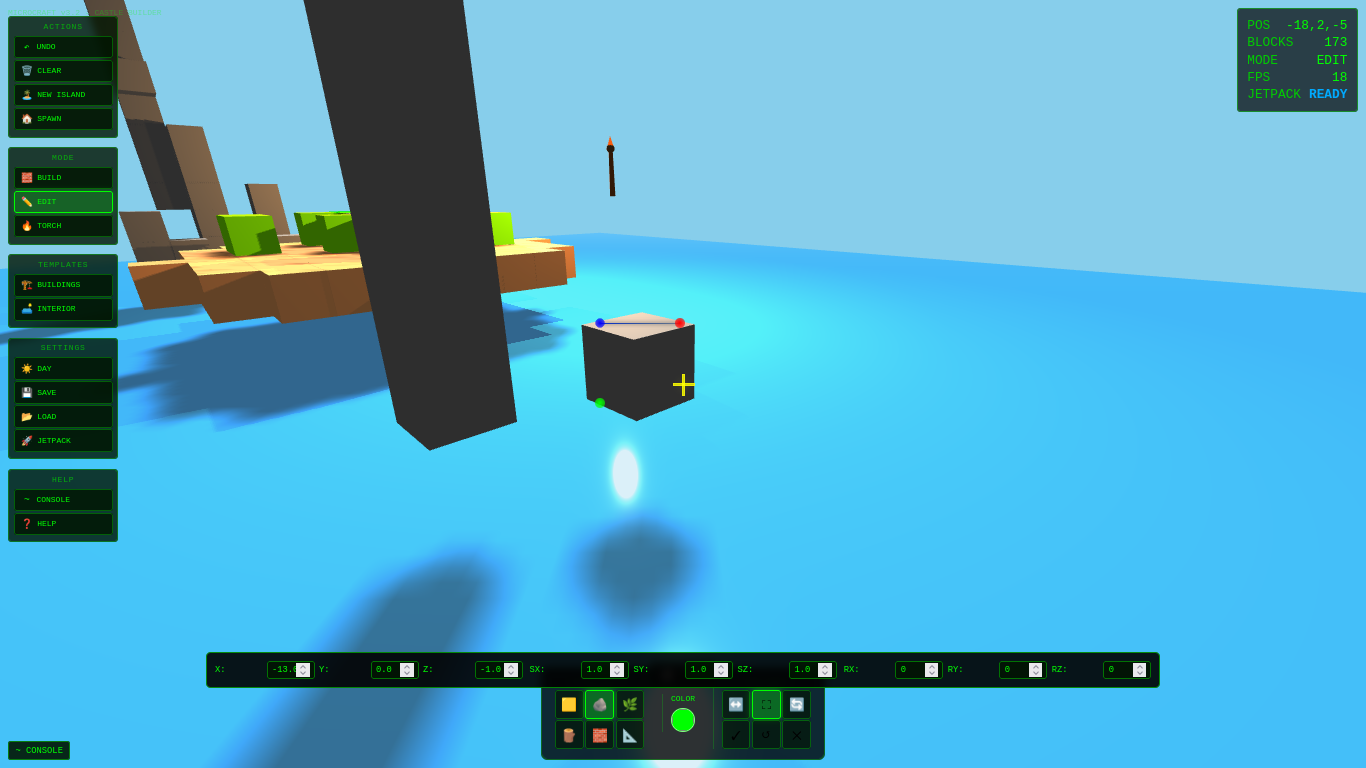
Click an object or block to select it, then use gizmo tools or numeric inputs to move, scale, or rotate. Apply or reset changes as needed.
Torch Mode
Quickly place animated light sources that emit light and flicker.
Single Blocks
- Sand (🟨) - Light base material
- Stone (🪨) - Classic building block
- Grass (🌿) - Top surface layer
- Wood (🪵) - Organic structures
- Brick (🧱) - Detailed walls
- Wireframe (📐) - Transparent outline style
The color picker updates the color used for the currently selected single block type on future placements.
Templates & Structures:
Buildings Library (B key)
Pre-made castle pieces you can preview as semi-transparent ghosts before placing:
- Stone / Wood Castle Towers
- Stone / Wood Watchtowers
- Stone / Wood Keeps
- Stone / Wood Walls
**Interior Library** (I key)
Unique detailed objects:
- Chair, Table, Throne
- PC Tower, Monitor
- Torch, Lantern (both emit animated light)
Jetpack
- Hold Shift while airborne for powerful upward thrust.
- Unlimited maximum height.
- When jetpack is off but enabled, you get a slow glide descent.
- Toggle permanently with J key.
- Jetpack auto-deactivates on landing.
3D Editor Tools
In Edit mode:
- Translate (move)
- Scale
- Rotate
- Numeric inputs for precise control
- Apply / Reset buttons
Grouped castle pieces placed from templates can be edited as a whole when any member block is selected.
World Management
- Undo (U or button) - Revert last placement, removal, or edit.
- Clear /*New Island - Start fresh.
- Save / Load - Quick save slot via buttons or console (/save, /load).
- Spawn - Return to starting position.
- Console commands available for most actions.
Tips
- Use ghost previews to test placement without committing. Scroll wheel adjusts height.
- Night mode improves visibility of glowing torches and lanterns.
- Build foundations on sand or grass first for stability.
- Combine templates with manual single-block detailing for best results.
- Large structures may have placement restrictions if space is occupied.
- Browser performance is best in Chrome or Firefox with hardware acceleration enabled.
Console Commands
Type `~` to open the console, then try:
- `/help`
- `/block [name]`
- `/building [name]` or `/building list`
- `/interior [name]` or `/interior list`
- `/mode [build/edit/torch]`
- `/color #RRGGBB`
- `/clear`, `/save`, `/load`, `/spawn`, `/undo`
Leave a comment
Log in with itch.io to leave a comment.