


Nexus FPV
Download link:
https://github.com/webxos/webXOS/blob/main/nexus_fpv.html
Nexus FPV — BETA TEST
Physics-powered FPV Drone Simulator & Dataset Generator
NEXUS FPV is a browser-based FPV drone simulator focused on realistic physics, tight controls, and next-level immersion. Race through glowing gates, destroy targets in kamikaze runs, or generate high-quality synthetic flight data for machine learning.
Game Modes
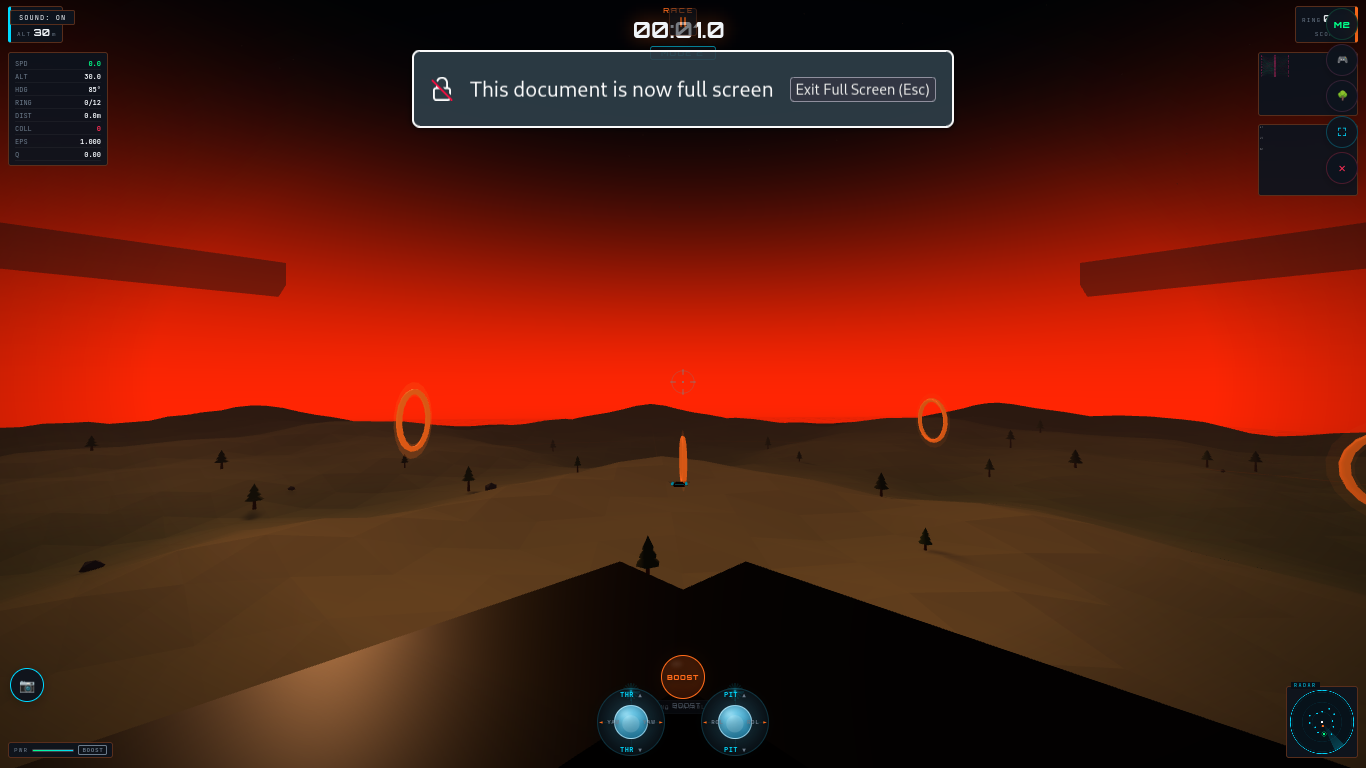
- RACE — Classic time-trial through a technical ring circuit. Beat the CPU opponent!
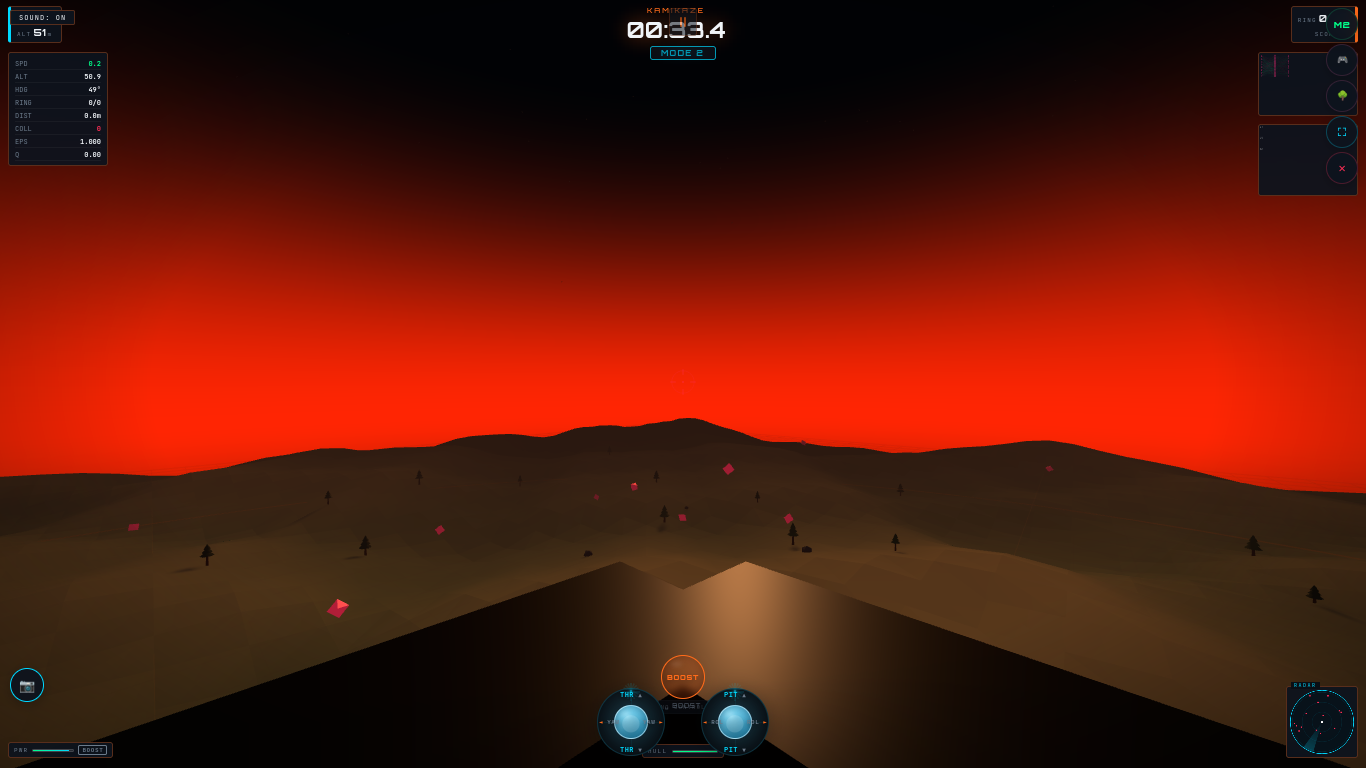
- KAMIKAZE — 60-second survival mode. Smash as many moving targets as possible before your hull gives out.
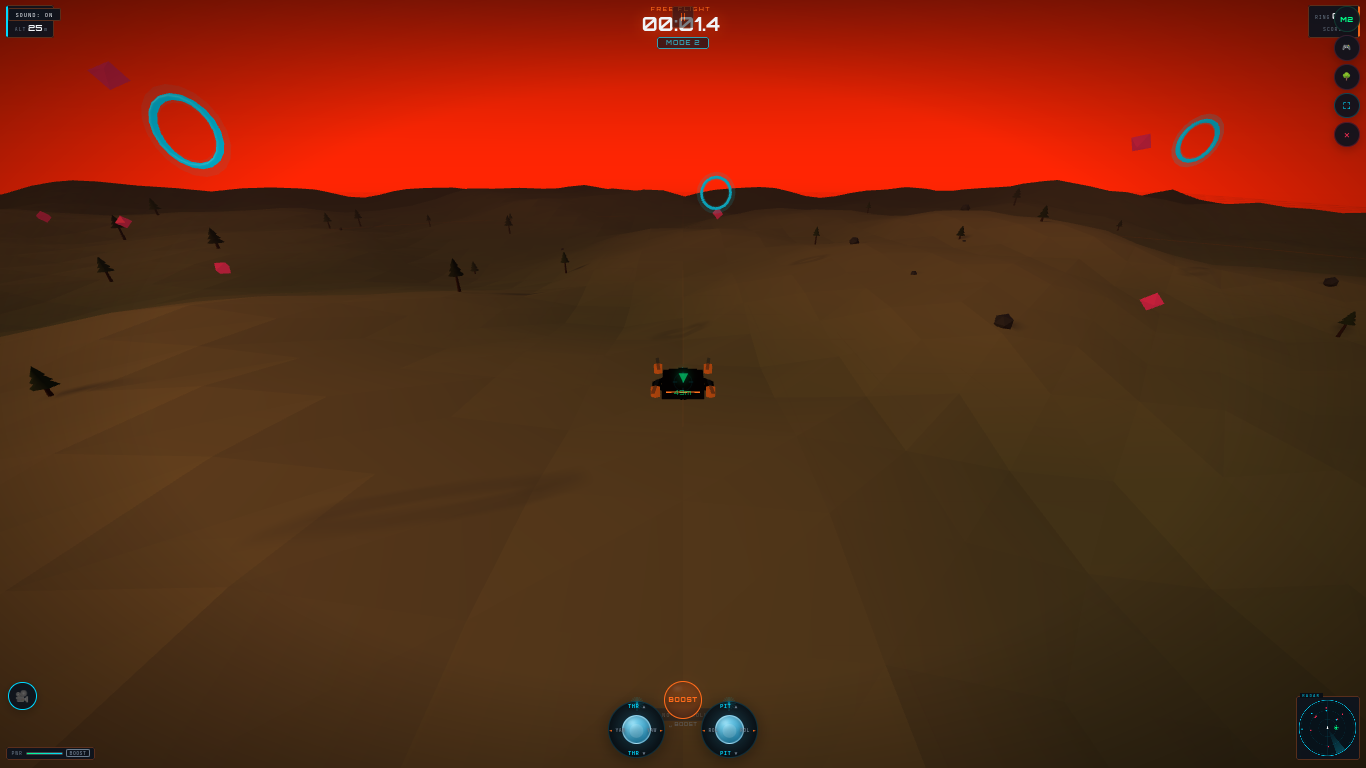
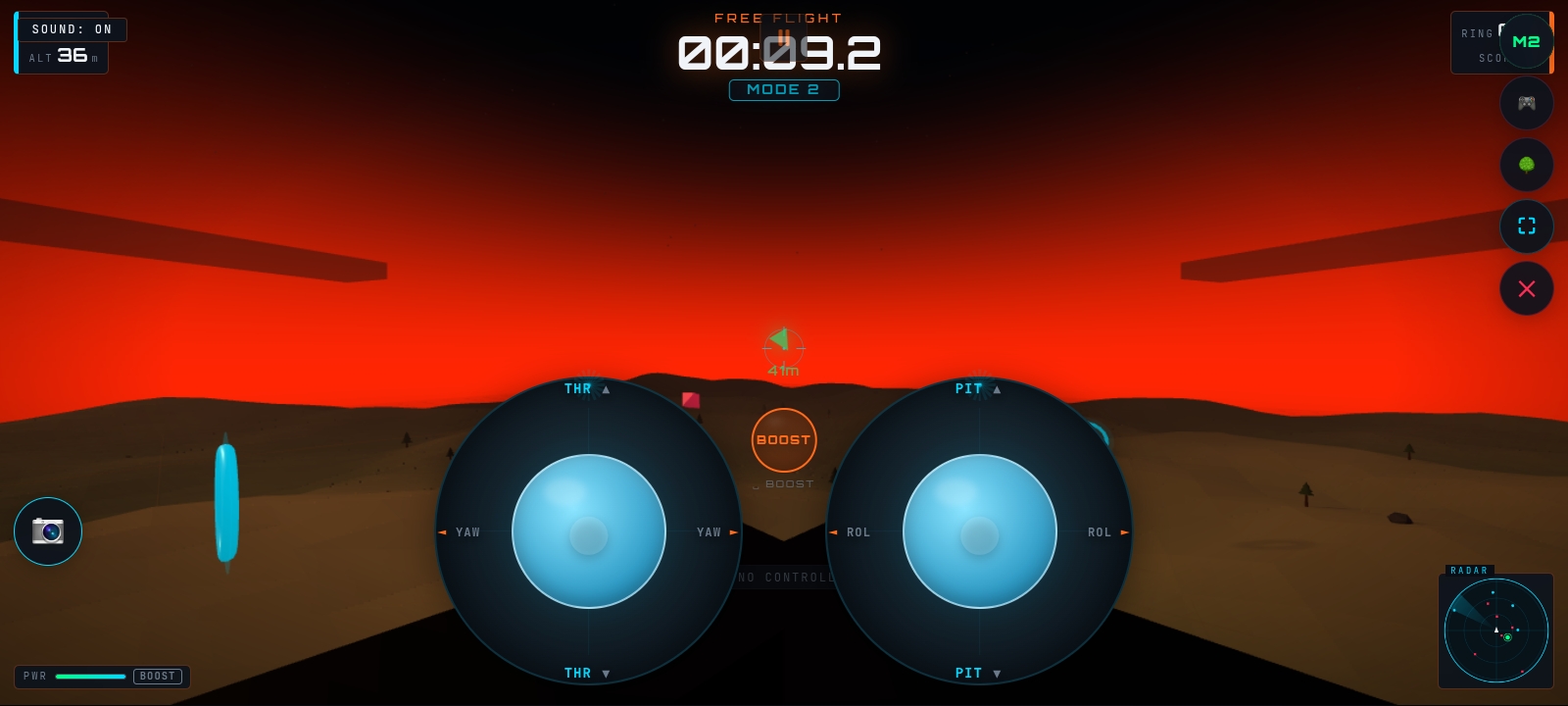
- FREE FLIGHT — Pure freedom. Explore the canyon/forest and perfect your lines.
- DATASET — Special mode for AI researchers & developers. Record telemetry + reinforcement learning experiences while flying manually or with the built-in auto-pilot.
Features
- Quadcopter physics with rate mode, motor lag, attitude control, drag, and ground effect
- Beautiful FPV and chase camera modes
- Touch-friendly virtual gimbals + full keyboard + gamepad support
- Boost mechanic, dynamic HUD, radar, particle trails, and engine sound
- Procedural terrain (forest or cyber-grid)
- Neural network auto-pilot (Q-learning) that learns while you fly
- Dataset Export — Export rich telemetry (CSV + JSONL) + RL experiences (state/action/reward) as a clean Hugging Face-ready ZIP
Controls
- Keyboard: WASD / Arrows (configurable Mode 1 & 2) + Shift (Boost) + C (Camera) + R (Record)
- Touch: Dual virtual sticks + central Boost button
- Gamepad: Full XInput support
Press **R** in Dataset mode to start recording. Press **M** to toggle the auto-pilot. Export anytime.
Dataset Info
https://huggingface.co/datasets/webxos/nexus-fpv
Auto-generated small sample FPV drone flight-telemetry and reinforcement-learning for experience dataset captured directly in the browser and exported by NEXUS FPV.
Comments
Log in with itch.io to leave a comment.
I couldn't figure out how to play,
But it's cool concept tho
left side for thrust (up or down turn left or right) , right joystick for tilt (backwards forwards etc) so just tilt forward (inverted controls for joysticks, normal for arrow keys on keyboard) W A S D and arrow keys on keyboard no invert. but joyticks are inverted for touch controls. hope this helps. tilt forward and give it thrust at the same time and watch it glide forward, use the left and right to steer and tilt on both sides.